
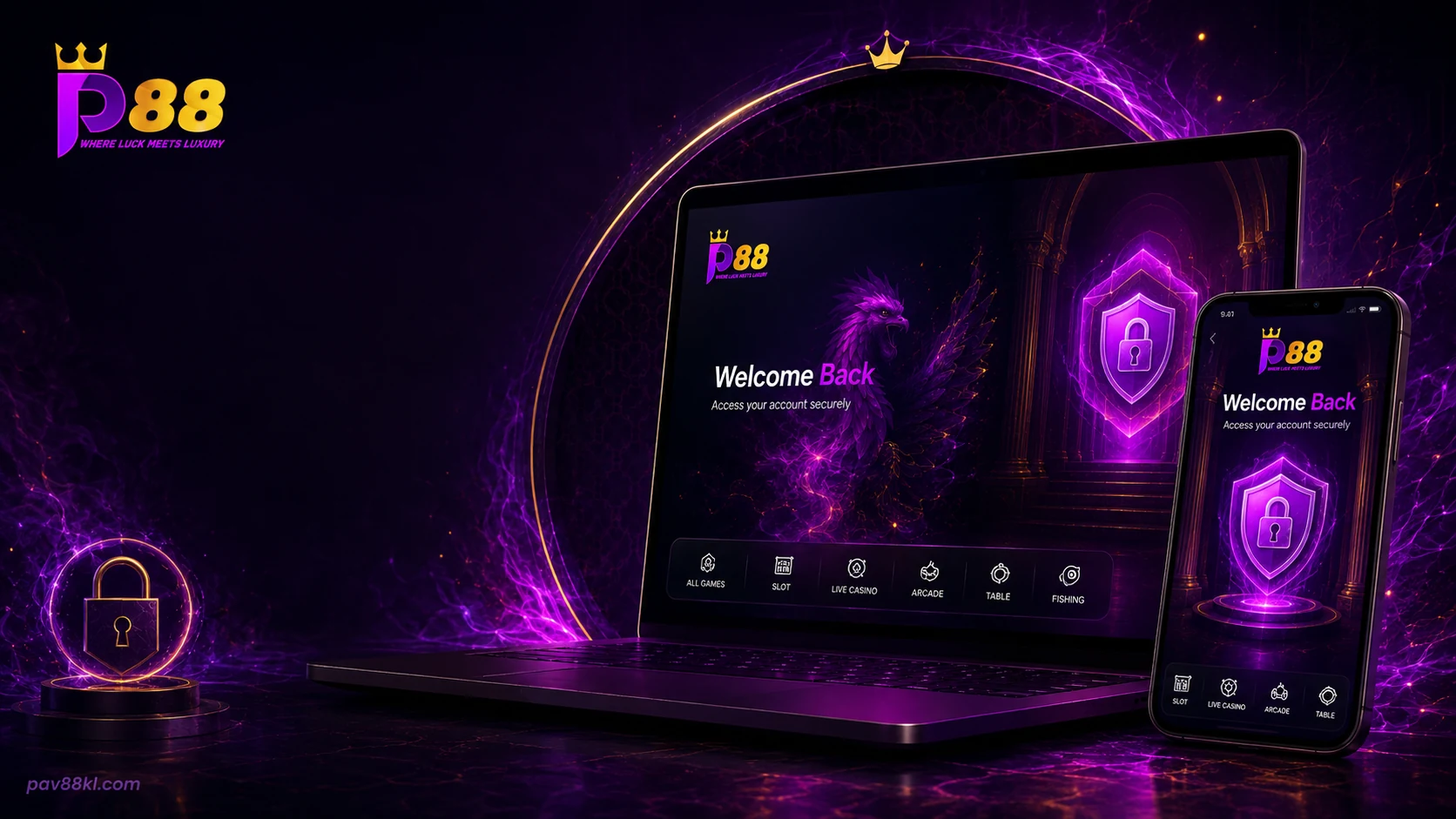
Access Your Pavilion88 Account
Our login page connects members to the main Pavilion88 lobby. The account area opens after the correct login details are accepted.
The login form requires the account details registered with Pavilion88. Members should enter them only through the verified destination published on this page.
A successful login opens the same account across supported desktop and mobile devices. The available games, balance, promotions and transaction records stay linked to that member account.
Pavilion88 Member Area
The member area keeps the main account functions close to the game lobby. Members can move between games and account actions without opening a separate service.
After login, the account interface may show:
- current account balance;
- top-up and withdrawal controls;
- transaction history;
- active promotions;
- daily check-in;
- game search and provider filters;
- live chat;
- account settings.
The displayed functions depend on the current account status and Pavilion88 platform release.
The Pavilion88 game lists the main game categories. Current campaigns are published under Pavilion88 promotions.
Login on Mobile
Pavilion88 members can sign in through a supported mobile browser or the current mobile access method shown on our download page.
The mobile login opens the member lobby from a phone or tablet. Account balance, games, promotions and cashier functions remain tied to the same Pavilion88 account.
Android members should use the verified file or browser route published by Pavilion88. Apple-device members should use the supported iPhone or iPad method listed for the current release.
Open Pavilion88 mobile access for the available device options.
Password and Account Recovery
A forgotten password does not require a new account. Use the Pavilion88 recovery route connected to the registered account.
The recovery process may require account details or a verification step. Enter that information only on the verified recovery page.
Password recovery: https://pav88kl.com/login
Contact Pavilion88 support when:
- the recovery link does not arrive;
- the registered contact detail is no longer available;
- the account becomes locked;
- the password reset does not complete;
- the login redirects to an unfamiliar domain.
Do not send a password or one-time verification code through a public contact form.
Login Security
Pavilion88 members should protect their account details before opening the game lobby or cashier.
Use a password that is not shared with another service. Keep the registered phone number or email under your control. Sign out after using a shared computer or device.
Pavilion88 support does not need a member's password, card PIN or one-time code. A request for this information should not be completed.
Check the full address before entering account details. Close the page when the domain, certificate warning or page design does not match the verified Pavilion88 route.
Login Problems
A login can fail because of an incorrect password, account lock, browser issue, connection problem or platform maintenance.
Incorrect account details
Confirm the username and password entered in the login form. Password fields are case-sensitive.
Account locked
Repeated failed attempts may block access for a period or require account recovery. Use the Pavilion88 recovery route or contact support.
Page not loading
Refresh the page, change to a supported browser or switch the connection. A platform maintenance notice may also affect access.
Mobile page not opening
Remove an outdated shortcut and reopen the verified Pavilion88 page. Android members should confirm that they are using the current supported access method.
Unexpected redirect
Stop before entering account details. Return to pav88kl.com/login/ and use the verified destination shown on this page.
More account and technical issues are covered in Help page.
New Pavilion88 Account
Members without an account can register through the Pavilion88 registration route.
Registration may require an account name, password, contact detail and payment information supported by the current platform. The registration page will show the required fields before submission.
Use accurate information that can be accessed later for password recovery and account support. Do not create duplicate accounts when an existing account can be recovered.
The verified registration destination is https://pav88kl.com/.
Deposits and Withdrawals After Login
The cashier becomes available from the signed-in member area. Pavilion88 supports FPX and Malaysian online banking, DuitNow, local bank transfer, Touch 'n Go eWallet, Boost, GrabPay, ShopeePay, Visa and Mastercard, subject to the methods shown for the account.
| Cashier item | Current value |
|---|---|
| Currency | Malaysian Ringgit, MYR |
| Minimum deposit | RM1 |
| Minimum withdrawal | RM20 |
| Maximum limits | Check the signed-in cashier |
Before submitting a payment, confirm the method, amount, destination details and any promotion attached to the deposit.
Keep the transaction reference after submission. Pavilion88 support may request that reference when reviewing a pending or missing payment.
Use the current cashier details. Do not transfer funds to payment information copied from an old screenshot or message.
Pavilion88 Support
Our support team handles account access, password recovery, payment and technical issues.
Include the relevant account name, date, amount, device and transaction reference when reporting a problem. A screenshot can help when it does not expose a password, one-time code or full payment details.
Use Pavilion88 account support for common issues. For direct assistance, use the Pavilion88 contact page.
Responsible Account Use
Pavilion88 accounts are for adults who meet the legal age requirement that applies to them.
Keep the account private. Do not allow another person to use your balance, payment details or identity information.
Set spending and playing limits before opening games. Our responsible gaming page covers limits, breaks, warning signs and support options.